File too big to email?
Many inboxes still reject large PDFs. Compression gets the same pages under the limit.
Compress
Make PDFs smaller for easier sharing while maintaining quality. No file size limits, no software installation required.
Many inboxes still reject large PDFs. Compression gets the same pages under the limit.
A smaller PDF opens faster on phones and uses less storage without changing the content you need.
Reduce your PDF file size quickly and securely in 3 simple steps
Your files are secure: Files are encrypted in transit and automatically deleted after processing. We do not store your documents.
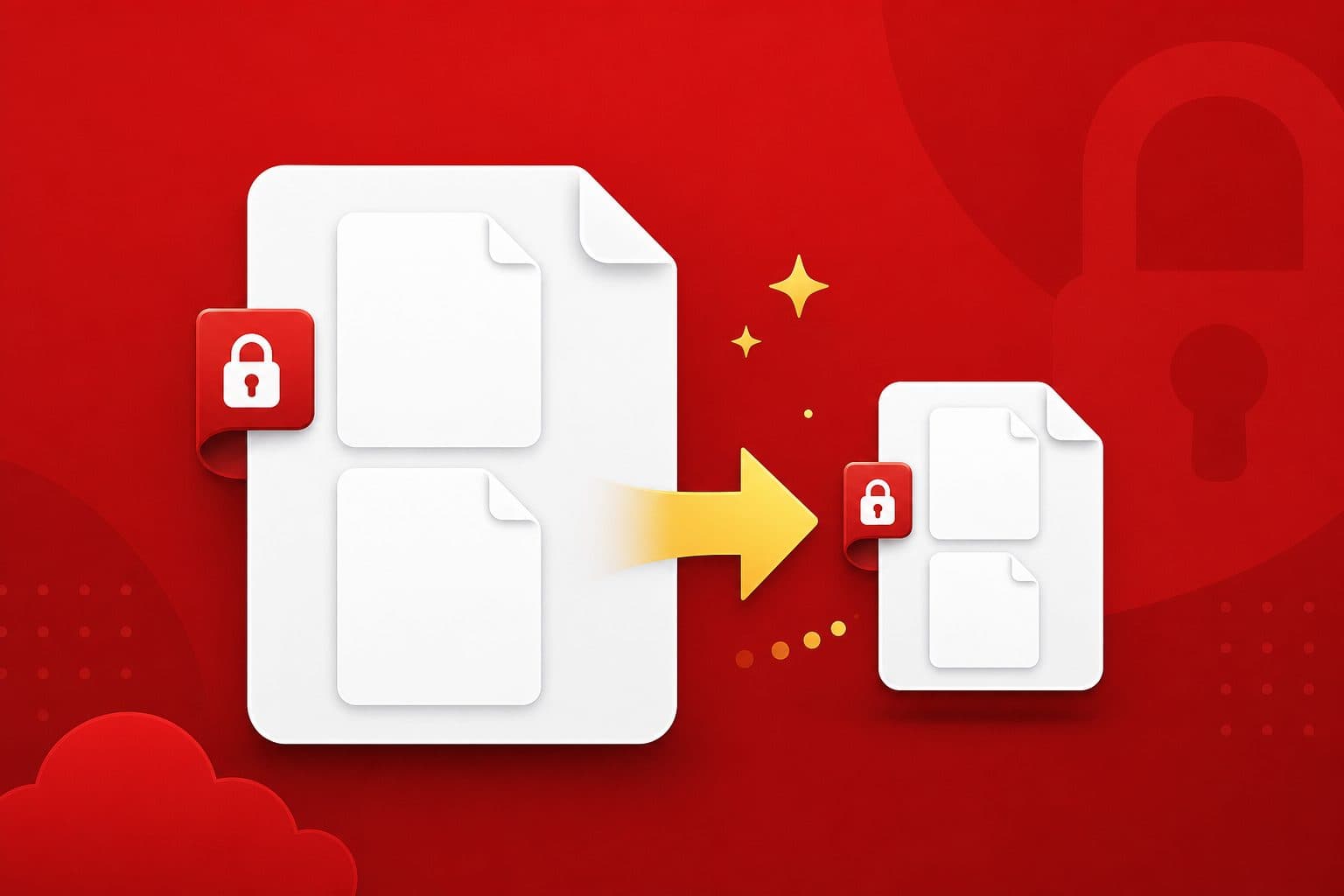
Select or drag and drop the PDF you want to shrink.
Pick balanced, maximum, or light depending on whether size or print quality comes first.
Get the compressed file instantly and compare the new size before you send it.
Convert documents of any size in under 60 seconds. No lengthy processing or waiting for email delivery.
Your documents are encrypted in transit and automatically deleted after processing. We never store your files.
Works entirely in your browser on any device. No Adobe Acrobat, Microsoft Office, or plugins required.
We maintain formatting, images, tables, and layout so the result stays faithful to the original.
Core tools are free to use with no hidden fees or surprise charges for everyday PDF work.
Compatible with Windows, Mac, Linux, iOS, and Android in any modern browser.
Image-heavy PDFs often drop 40–70%. Text-only files shrink less because there is less redundant data.