UnlockAnyPDF

Need to Present Your PDF Content? Convert to ePUB Instantly!

Easily turn your PDF documents into fully editable ePUB books in seconds

ePUB Converter
0 K+
Success Rate
%
User Rating
0 /5

#1 PDF Convert Tool Service

Need to Convert your PDF to a Readable Format?

Whether you're archiving, editing, or reading on the go, our tool gives you the flexibility you need without the hassle. No downloads, no complicated steps — just a simple, secure, and reliable online service. Preserve formatting, layout, and accessibility with precision. Try UnlockAnyPDF today and experience PDF-to-ePub conversion the smart way.

#1 PDF Convert Tool Service

Although PDF and EPUB are pretty popular formats for text, articles, and publications. EPUB is better for accessibility, readability, and text flow. So, how can you convert PDF to EPUB? With UnlockAnyPDF! Discover here how you can use our online PDF converter tool and why the EPUB format is so popular for books and a lot of text files. Do the conversion while learning tips and recommendations for the best service and tools to enjoy your books or texts. 

Convert PDF to EPUB

Transform your PDF documents into e-book format files in 3 simple steps

or drag and drop file here

Your files are secure: Files are encrypted in transit and automatically deleted after processing. We do not store your documents.
256-bit SSL Encryption
99.9% Accuracy Rate
Lightning Fast

What is the EPUB Format Used For?

What is the EPUB Format Used For?

This format, the EPUB format (electronic publication), is commonly used to view, store, and share ebooks or other types of content like books, articles, publications, etc… It is a good way to organize them and have them in one single place since there is a lot of software compatible with this type of format. Additionally, it has cross-platform compatibility with multiple smart devices, so you can access and read these types of formats anywhere. 

What can I do with an EPUB File?

You can primarily view and download ebook content and enjoy it even offline. With this type of file, you don’t need to worry about your book’s format or layout, as it will adapt automatically to the device or reading tool you have to give you the best experience! Another benefit is that you can edit them with the right ebook editing tools, whether to fix issues in the text or make the view easier on the eyes. 

What can I do with an EPUB File?


Can a PDF File with Images be Converted to an EPUB?

Can a PDF File with Images be Converted to an EPUB?

You won’t have any issues with this since the EPUB format supports images and can also be appropriately adapted to the new document. For this, you don’t need to do anything special, as you can just use UnlockAnyPDF online tool to convert a PDF into a new EPUB! After that, just add it to your favorite ebook software, edit the content, and arrange the images in any way you want, leaving them in a more fixed layout or making them more stylish for your text…
What are the Programs Compatible with EPUB Files?

Well, luckily for you, there are several e-readers available online and to install that can be used for EPUB. Most of them are free, but still, they can have unique features you need to pay for, like the editing... Still, if you want to check them out and know more about them, here is a list of the top 6 most used e-reader software for you!

Top 6 EPUB Compatible Programs
Free Downloads
Multi-Platform
Most Popular

This one is an open-source eBook management software that can used and is compatible with Windows, macOS, and Linux.

Windows macOS Linux

Supports EPUB and other eBook formats and is available for Windows and macOS.

Windows macOS

Although it has its own format, it supports EPUB if converted to a MOBI format using Calibre. It is available on any device like iOS, Android, Windows, and MacOS.

iOS Android Windows macOS

⚠️ Requires conversion to MOBI format

It was created specifically to make an easy integration into the Apple ecosystem and offers a great reading experience for EPUB on iOS and macOS devices.

iOS macOS

Allows users to upload EPUB files to their library and read them across Android and iOS devices and the web.

Android iOS Web

A versatile eBook reader that supports various formats, including EPUB. Available for Android, Linux, macOS, and Windows.

Android Linux macOS Windows

Can Kindle Convert PDF to EPUB?

No, Kindle, in this case, can only store the ebooks, not convert them... However, you can convert it to EPUB first and then transfer it to your Kindle so it can be readable. For this process, use UnlockAnyPDF to convert the PDF file into EPUB, and then go to Amazon Kindle to upload your new EPUB! All you need to do is click "File Upload" and drag and drop the file you want to send and save, and that's it.

How Can I Convert PDF to EPUB on a Mac or iPhone?

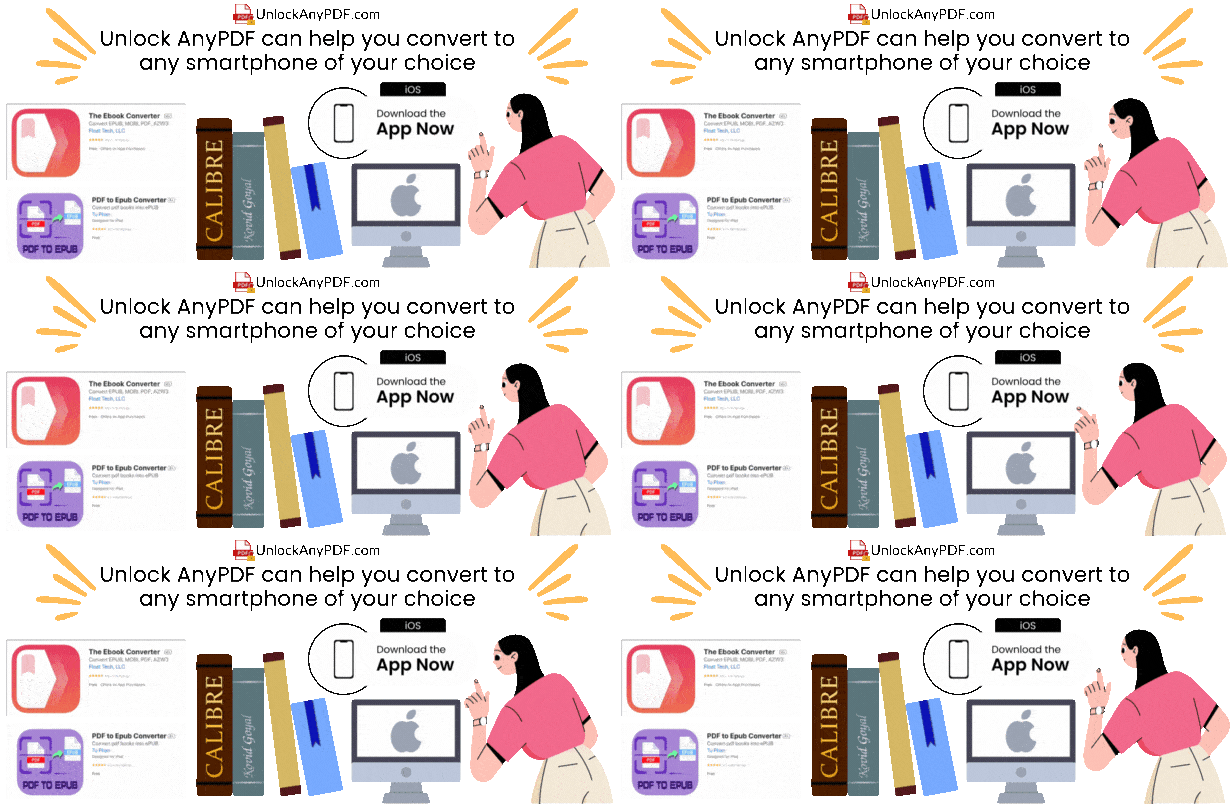
You can do this process with any app or free online tool, like UnlockAnyPDF. There are no limitations, so you can use apps like PDF to EPUB Converter, Mac PDF to EPUB Converter, and Pages. Then you can move those files to your Apple Books, and that’s it. They will now be stored and can be read on any Mac or iPhone without losing the file format or having compatibility issues. 

What are the Tools Recommended for Converting a PDF to an EPUB File?

You can install and use Calibre, Google Docs, and Adobe Reader for software tools. You can start the conversion inside the same tool and then just add it to your collection without issues. Now, for web tools to convert files to EPUB, you can use UnlockAnyPDF or other tools since many popular ones can help with this topic and do it easily and quickly.

How can you use UnlockAnyPDF to Convert your PDF File?

Open Browser
Select Convert
Upload PDF
Enter Details
Download EPUB

To convert your PDF file to EPUB, go to your favorite web browser and UnlockAnyPDF.com. There, select the option that says "Convert" and select PDF to EPUB. After that, you need to select or drag the file you want to convert and enter your name and email. With that, you just need to wait a few seconds for the server to do the conversion, and then your file will be ready to download.

You can repeat this process with any PDF document you have and transform it to any other format without issues or limitations. There's also no fee or one-time charge, as we are a free tool available for anyone, anywhere. There is no need to install software; it can also be used on any device, so you can store that EPUB file on the smart device of your choice.

100% Free
No Limitations
No Software
Any Device
What is Better for Books, EPUB, or PDF?

It is better to use the EPUB format to read and store ebooks. It is not like PDFs are not a suitable option either. Still, regarding reflowable content and accessibility, EPUB formats are better. 

Go to your favorite e-reader software, and you should find an option to add or select a file from the device you are using. After that, it will add it to your folder, and you just need to click or tap on it to have access and read it. 

Some extensions can help view an EPUB file on a browser. For Google, you can install the extension EPUB Reader, and with that, you will have the option to add and view any of these files without needing a program. 

Remove PDF Password

Unlock secured PDF files

PDF to WORD

Convert PDFs to Word

PDF to DOCX

Convert PDF to DOCX

PDF to XLSX

Convert PDF to XLSX

PDF to PPTX

Convert PDF to PPTX

PDF to DWG

Convert PDF to DWG

HEIC to PDF

Convert HEIC to PDF

HTML to PDF

Convert HTML to PDF

PDF to PDF/A

Convert PDF to PDF/A

PDF to PNG

Convert PDF to PNG

JPG to PDF

Convert JPG to PDF

Keynote to PDF

Convert Keynote to PDF

Numbers to PDF

Convert Numbers to PDF

Pages to PDF

Convert Pages to PDF

PDF to AI

Convert PDF to AI

PDF to AZW3

Convert PDF to AZW3

PDF to BMP

Convert PDF to BMP

PDF to RTF

Convert PDF to RTF

PDF to SVG

Convert PDF to SVG

PDF to CSV

Convert PDF to CSV

PDF to DXF

Convert PDF to DXF

PDF to EPS

Convert PDF to EPS

PDF to EPUB

Convert PDF to EPUB

PDF to HTML

Convert PDF to HTML

PDF to JPG

Convert PDF to JPG

PDF to TXT

Convert PDF to TXT

PDF to JSON

Convert PDF to JSON

PDF to Keynote

Convert PDF to Keynote

PDF to MOBI

Convert PDF to MOBI

PDF to MusicXML

Convert PDF to MusicXML

PDF to Numbers

PDF to Numbers

PDF to ODT

Convert PDF to ODT

SVG to PDF

SVG to PDF

All Tools

Browse our complete toolkit

Compress PDF

Reduce file size easily

FAQ

How can we help?
Quick Help
Popular Questions

Is this service free?

Yes, our basic PDF unlock service is free for all users.

Are my files secure?

All files are processed securely and deleted afterwards.

How to unlock a PDF?

Just upload your file and we'll handle the rest.